 by
For the last few weeks, I’ve been testing out the SCUF Omega PlayStation controller, a highly customisable pro controller ideal for those looking to step up their competitive play. With a plethora of additional buttons and a high price tag to go with it, let’s see if the Omega is worth your time.
Please note that some external links on this page are affiliate links, which means if you click them and make a purchase we may receive a small percentage of the sale. Please read our FTC Disclosure for more information.
What Is the SCUF Omega?
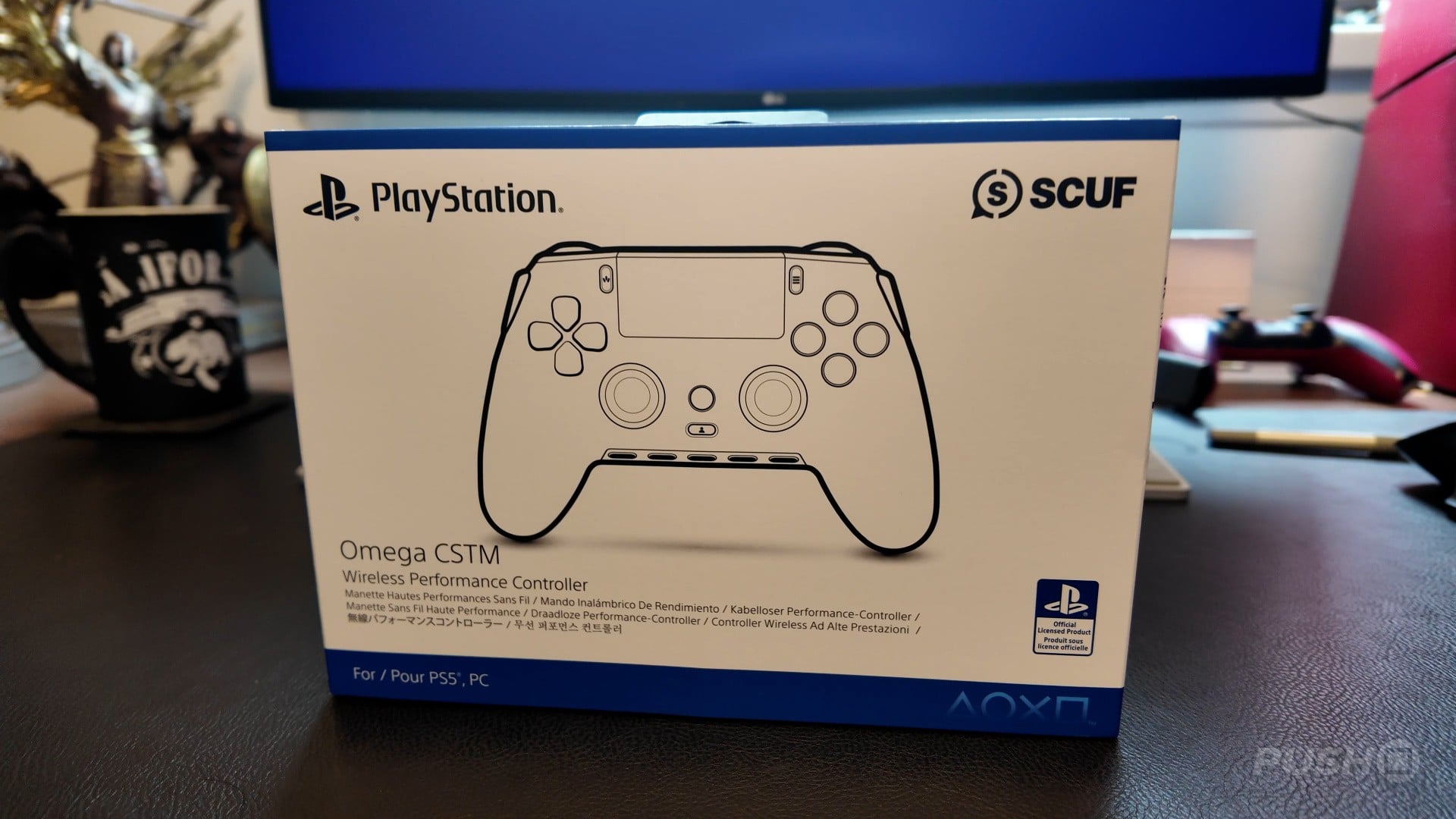
The SCUF Omega is an officially licenced pro controller compatible with both PS5 and PC. It is able to connect with the PS5 via either a wired connection or wirelessly thanks to a dongle. It also has Bluetooth connectivity for PCs.
It retails for £209.99/$219.99, but can go up to £229.99/$229.99 depending on your customisation options.
What’s in the Box?
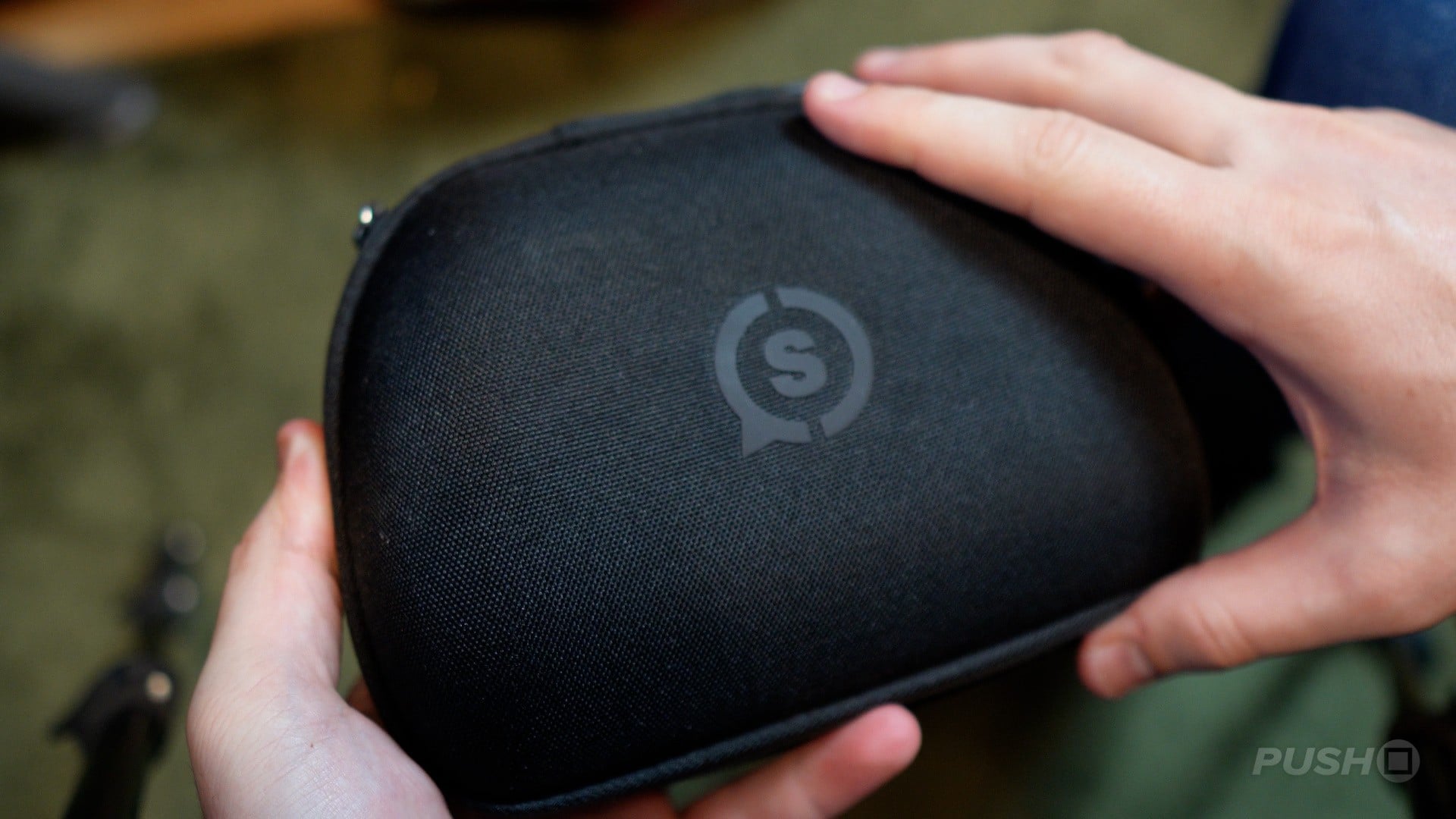
The SCUF Omega unboxing is a no-frills experience. With a PlayStation-branded box, you’re treated to a sort of rough fabric hard case, inside of which there is the controller, its dongle, and a nice braided USB-A to C charging cable.
The Design
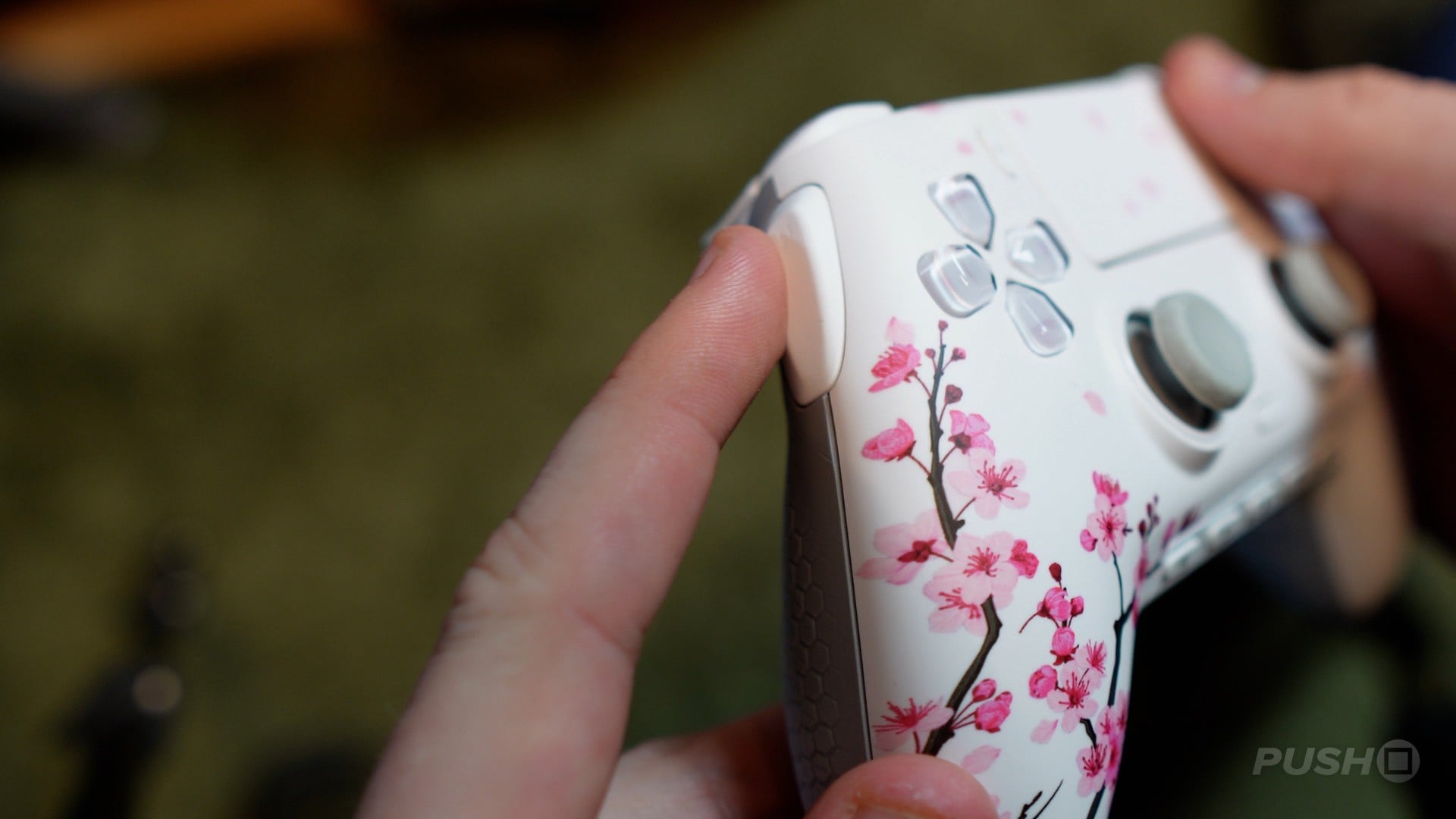
The style of the SCUF Omega is probably one of its best features, as this thing can be highly customised on the SCUF website. There are a series of prebuilt options, but you can really get into the weeds, choose face-button colours, thumbsticks and even the touchpad design. Some of these will bump the price up by another £20.
For our unit, we were sent the Cherry Blossom design. I’m not going to lie, it’s not the design I would have picked, but I suppose it shows off the breadth of designs available.
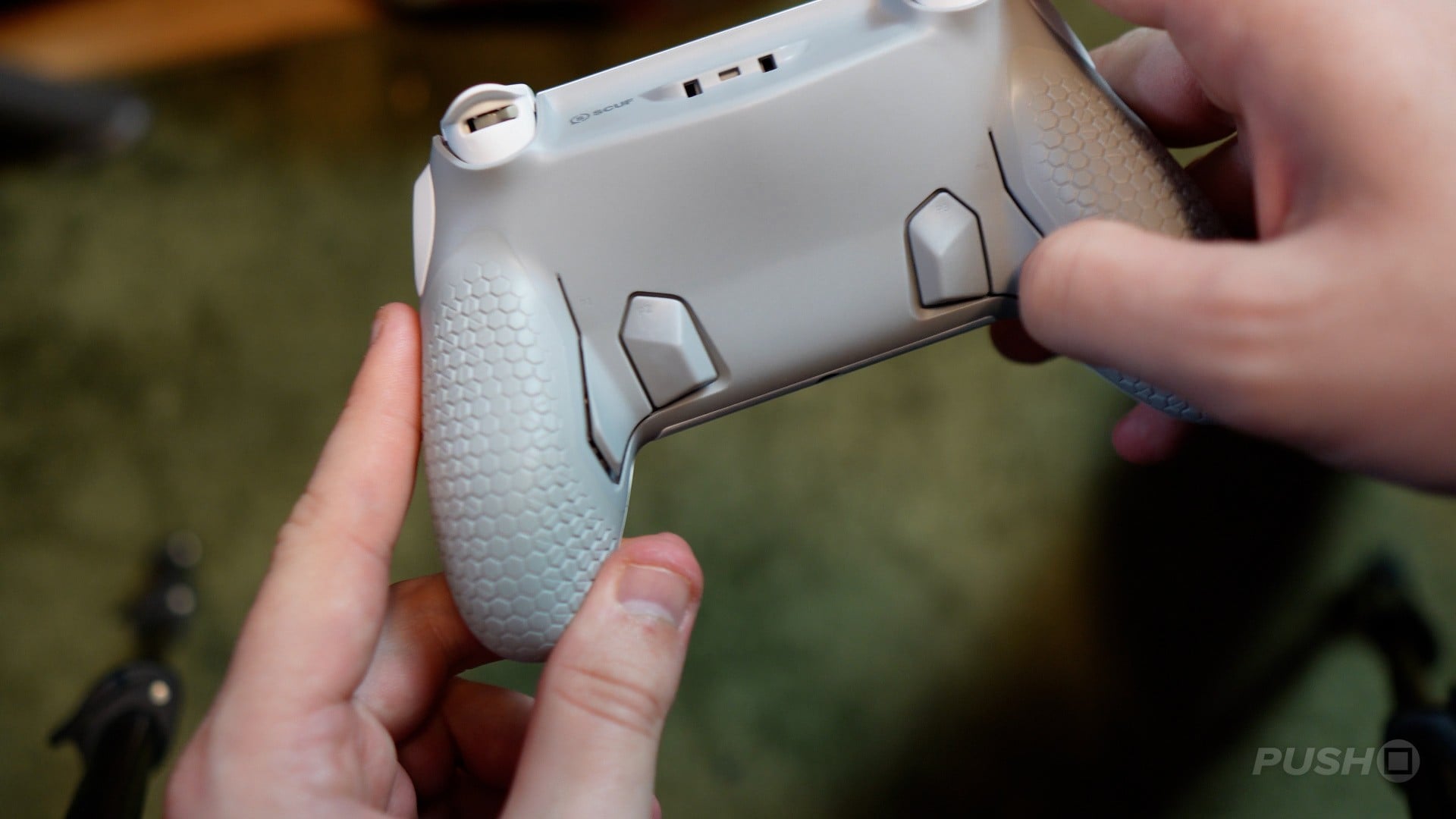
Picking up the controller for the first time, I wasn’t really struck by any one thing. It’s a controller. It’s fairly light, but not so light that it feels cheap, nor heavy enough that it feels expensive. The rubber grips on the back mean it is comfortably secure in the hand. Overall, however, it doesn’t make any particularly strong first impressions.
There’s a nice smooth travel to the triggers, and the face buttons have a really satisfying mouse click effect, which can also be applied to the triggers with a switch on the back.
Thumbsticks are smooth with TMR, or Tunnelling Magnetoresistance, to ensure stick drift isn’t an issue here, and SCUF claims higher accuracy over Hall Effect sticks.
The extra buttons in this case are four rear paddles, and oddly, a button on each side of the controller. There is also a series of five buttons at the bottom of the controller which are a mix of programmable buttons and volume and mic controls.
As is custom for controllers like this, it doesn’t feature any form of rumble or adaptive triggers.
Connecting and Customising
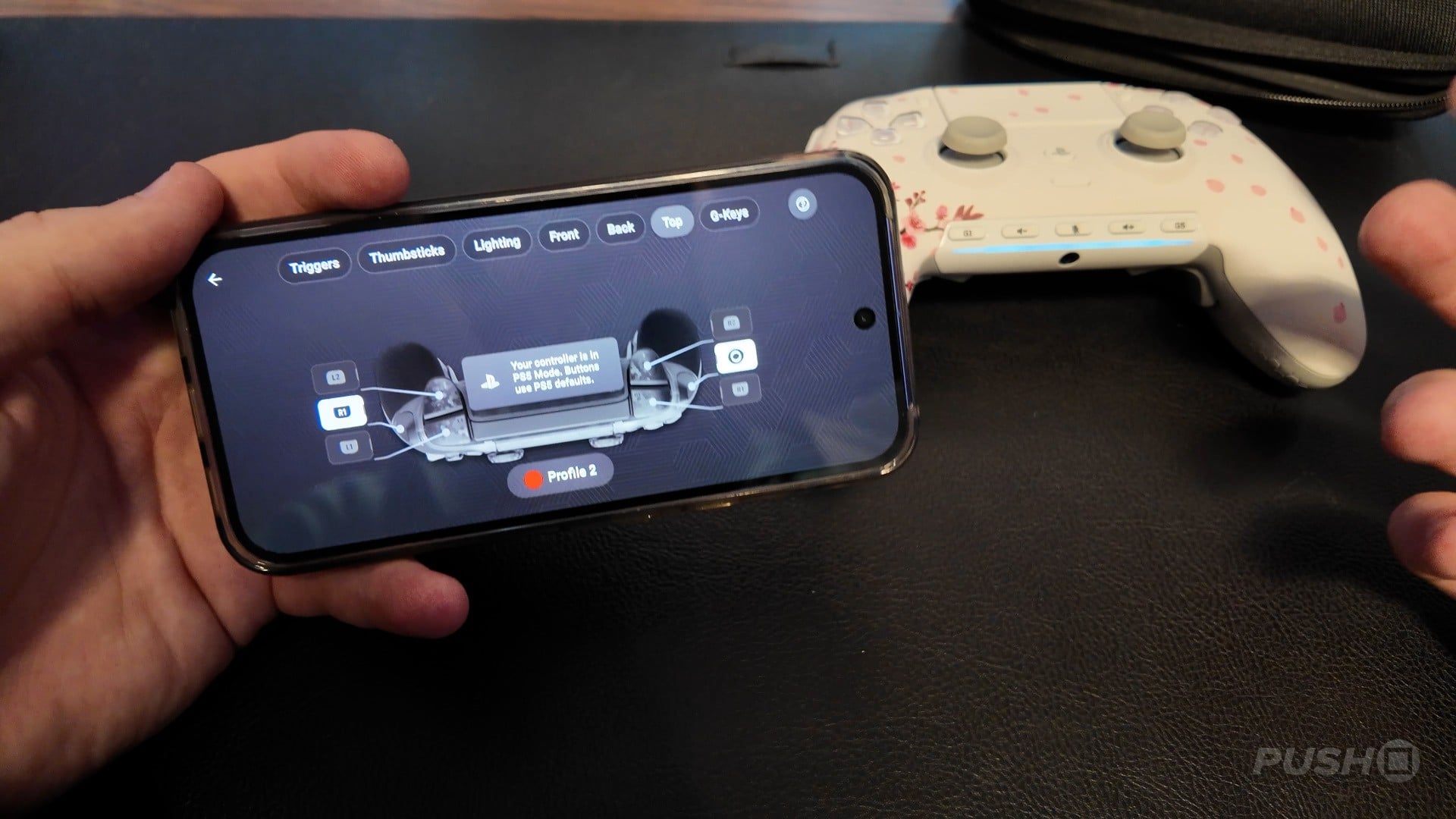
Connecting and customising the SCUF Omega is a fairly straightforward process.
To connect to the PS5, either plugging in the wired connection or dongle in will pretty much do it. Although, interestingly, there is a rather awkward switch under the faceplate that you must switch to if you want to use a dongle connection as opposed to Bluetooth or wired, and the same is the case when switching from PS5 to PC connectivity. It’s not difficult to do – the faceplates have snap magnets, making it super easy to swap out – but it feels like a bit of a tedious step.
Customising the controller is done via an app on either your PC or mobile. This again is fairly straightforward. You can save three profiles to switch between, which is handy for me as someone who has one controller set for a game like The Finals and another for a game like Modern Warfare 4.
You can switch out the input for any button on the controller and change thumbstick deadzones, meaning there is a lot to experiment with here.
How Does It Feel During Gameplay?
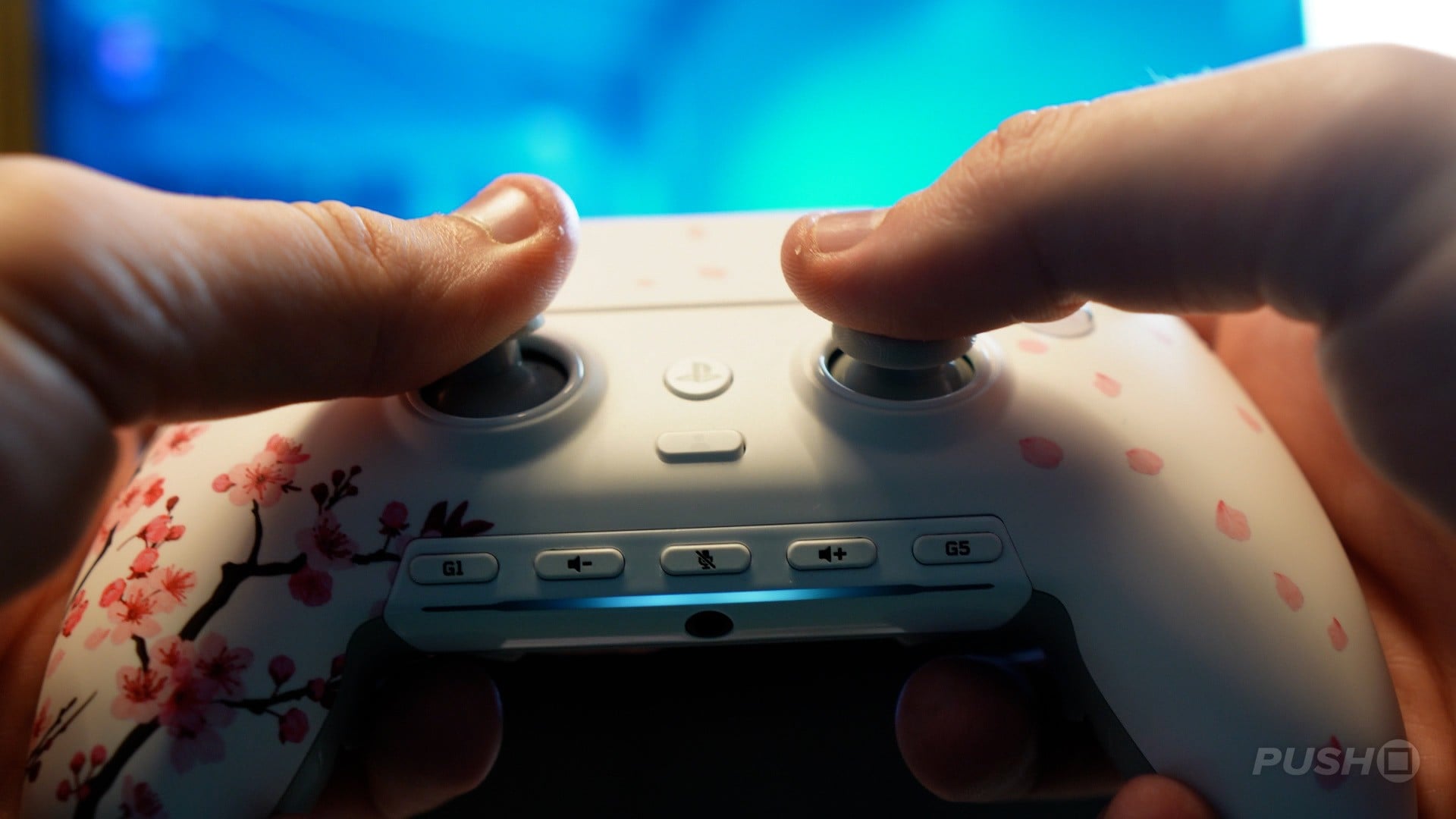
Once you’ve connected and customised, how does it feel to play? Well, for me, this was a mixed bag.
On the one hand, I really appreciated the snappy responsiveness of the clicky face buttons and the trigger customisation, which made it brilliant for fast-paced FPS games. Those TMR thumbsticks also feel right at home, as they don’t have that lack of resistance you find in Hall Effect sticks.
On the other hand, I found many of the additional buttons a bit awkward to use. The side buttons in particular are super easy to press accidentally, and the back paddles are a little finicky, especially compared to a controller like the DualSense Edge.
Ultimately, I found that the controller was actually a little small in my hands too, which meant I was having to twist and turn my hands to actually hit those buttons, as opposed to them naturally being where my fingers sit. I’d never go as far as saying my hands were cramping, but they were slightly uncomfortable.
To be fair, I do have slightly larger hands, so this may be a non-issue for some, but I just never particularly gelled with this controller in practice. I felt like to really get the most out of this controller, I'd need to be put in the training to finally sync up with it, as opposed to it just working with me straight out of the box.
Should You Buy the SCUF Omega?
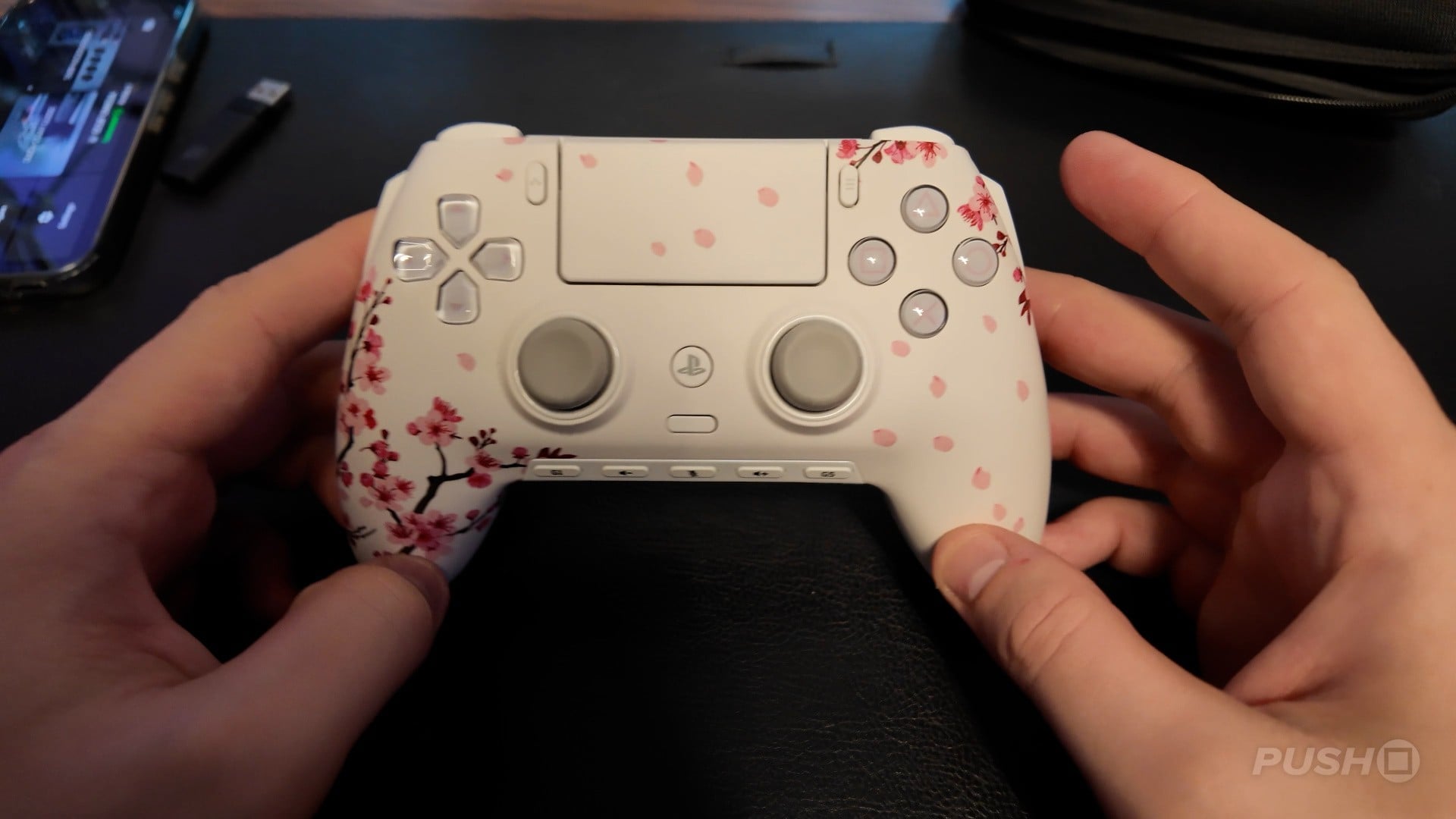
It’s tough for me to fully recommend the SCUF Omega. It’s a controller that just does what it says on the tin, with no weird features or gimmicks. For that reason, I respect its simplicity.
Customising the inputs is easy and quick, you can customise the controller design when buying so it suits your style, and many of the standard elements like triggers, thumbstick, and face buttons feel nice.
However, considering you’re parting with over 200 clams for this thing, I personally would like my controller to feel a bit more premium. Its additional customisation options also make it feel like a controller you need to adapt to, rather than a controller that just feels right.
For some, that’s a non-issue, and I’m sure many players looking to step up their game will be able to do so with this controller. But for me, it doesn’t do enough to pull me away from the controllers I’m already using.
Have you picked up the SCUF Omega? What did you think of its design? Customise those buttons and head down to the comment section below.
Comments 25
Nah having buttons on the side seems really silly, surely you will be pressing them accidentally all the time, I'll stick with the Dualsense for the foreseeable future.
None of the so called pro controllers should cost so much, for this price you can get 4-5 original controllers with lifespan overall longer than third party
TMR analogues should really be standard with every controller by now.
but selling replacement controllers is too much of a money maker
You should do destructive durability testing for the more expensive controllers - how many throws against a wall will it survive? Just in case... lol
it’s a beautiful ass controller. sony just kills me with not adding colored buttons, i never did like that decision since day 1 of ps5 reveal. i hate this bland ass decision so much. also even though this controller has simplicity , the touchpad is still there. the dualsense is arguably the best ps controller of all ps controllers but i’ve shifted back towards xbox controllers over the years primarily because of no stupid touchpad
I have a $35 PS5 controller with rear buttons and it works great. Really only use it when I wanna do something like power level I wanna sit the control down and walk away. But I’ve used it for other things to great effect.
@nomither6 that’s actually my biggest gripe with the PS5 controller. I feel like the colored shapes on the buttons are part of the brand. Even thought they’d have realized the mistake and would have corrected it. I’ve seen that colored buttons are available to purchase and install but I don’t wanna open up my controller for that reason.
Would be more interesting to review the Nacon Revolution Ultimate. From everything I've read about it, it seems to be the most premium feeling of all the PS5 options. Cheaper than this Scuf too
For that money I'd want the ability to customise and swap to the more modern asymmetrical design, or retain as is for the purists.
I'd also want battery life on a par with a Switch Pro or XSX controller.
I really wish there was an affordable option that retained the adaptive triggers and rumble capabilities while also addressing the real issue of stick drift over time. It gets to be a pain having to replace controllers every so often because of it.
Buying these pro controllers is like buying Jordan’s to think you’ll jump 6 inches higher.
@BonezKnowz isn't it called the nacon revolution 5 unlimited?
@Northern_munkey Indeed, not sure why I wrote ultimate
@BonezKnowz @Northern_munkey
I have the nacon Rev 5 pro and still use it on pc to this day. It has been awesome aside from the thumbstick interchange system.
One of the plastic teeth broke off after a few week and essentially locked me out that thumbstick option. They wanted to me to send that ***** to France for a replacement rather than send me just a new thumbstick. The only other gribe is that it has buttons on the underside of the handles that get clicked accidently and are just not well placed.
Aside from that though, having different profiles I set via the software be available to switch at the click of a button on the back of the controller is ***** awesome. Able to adjust the click depth of the r buttons individuals also sick. The thing has been a workhorse and the hall effect sticks a far cry above the shoddy stick drifts issues with dual sense.
Expensive though for sure. Looks like the unlimited is even pricier.
@BonezKnowz auto correct..dicks me over all the time..
"it doesn’t feature any form of rumble or adaptive triggers."
LOL, hard pass. I'm good with DualSense Edge.
@OptimusPrime1 These kind of controllers aren't really meant to replace the dualsense in my book, it's more about having a controller for specific use cases. Some may want to use it for competitive games, shooters, or even games that have a lot of inputs that become much more intuitive by being able to remap to additional buttons. Personally, if I had one of these, for something like The Last Of Us I'd just use my dualsense to get the immersion. But then I'd have the option of whipping out the high end one for an online multiplayer game for example. I get that all of the quote unquote pro controllers have a high price tag, so I guess many would want it to be the be all and end all of controllers, but there's a place for both
I will never understand why back buttons aren't standard on all consoles. PlayStation even released a back button attachment late in the PS4 generation. I assumed the PS5 would have them from day one.
For size description a photo of this controller above a DS5 with both placed on a flat surface is worth more to me than the reviewer saying "it feels small, but that could be because of my large hands".
For the price the sticks need to be easily replaced by consumers and have an extra stick included.
Overall this controller may be good but the buttons on both sides of the touchpad look as small and clumsy for me to use as on the DS4 and DS5.
$220 for… that? 🤣🤣🤣
People really will buy anything.
@SMJ Most people don’t find back buttons especially useful, and don’t want to accidentally press them. I hardly use them at all on my Switch Pro Controller and consider them a gimmick.
If you’re in the niche who finds them useful, that’s why there are niche products for you.
@asdfghjklz I prefer back buttons to pressing on the analogue stick.
I really wish they would make controllers with extra buttons not where your fingers naturally sit on the back. It feels so unnatural to me
@SMJ I'm really glad they aren't. Just feels off to me to always be touching a button when holding it at the back.
I grabbed one because it's pink, it's pretty, it's small and this site has turned me into a controller collector.
Show Comments
Leave A Comment
Hold on there, you need to login to post a comment...